Best blog posts on wooden fences
Wood comes in all shapes and sizes, that means your fence can too! From picket fences to lattice fences, the options are endless. Besides the...

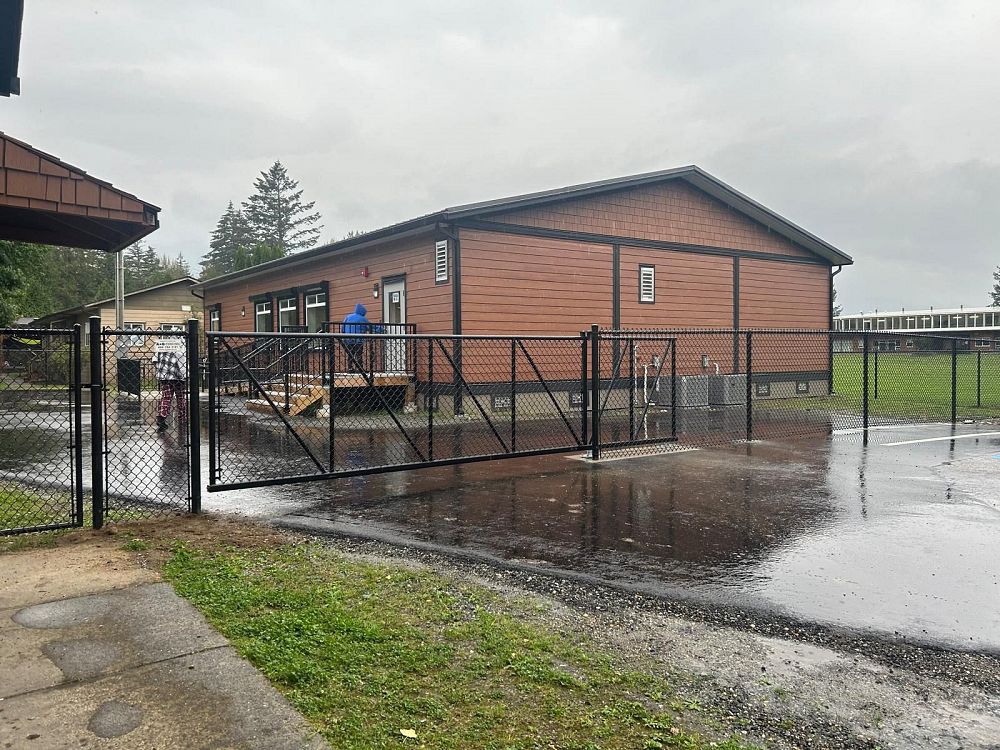
Automated gates are heavy, moving equipment. Reputable installers treat safety as a system—not an add-on sticker. If you are researching an automated driveway gate in the Fraser Valley, understanding photo eyes (and how they fit with other protections) helps you ask better questions and keep your family, visitors, and pets safer around the entrance.
This article is educational only. Always follow the gate and operator manufacturer instructions and the guidance of a qualified installer; local codes and product manuals have the final word.
If you are comparing quotes, ask each bidder to list included safety components in writing—generic “turnkey” language is not enough when you are comparing apples to apples. Keep a copy with your homeowner records for future service calls.
A single device rarely covers every scenario. Typical thinking includes stopping or reversing when something is in the path, detecting presence near the gate, and manual release when power fails. Photo eyes are one common piece of that puzzle. Your installer should explain what is included on your specific system and how to test it periodically.
Families often ask whether a gate is “safe enough” for kids on bikes or dogs off leash—no substitute replaces teaching people to treat an automated gate like machinery: stay clear of moving parts, do not race the closing cycle, and keep toys and sleds out of the path.
Photo eyes send an invisible beam between two points. If something breaks the beam while the gate is moving, the operator receives a signal to stop or reverse—reducing the chance of contact with a person, pet, or vehicle in the hazard zone.
They help detect interruption in the beam path. They do not replace supervision, maintenance, or common sense. Small objects might not break the beam depending on height and alignment. Snow, dirt, or misalignment can cause nuisance trips—or worse, prevent proper detection. Treat them as one layer among several, not a guarantee against every hazard.
If the gate reverses often in bright sun or blowing dust, do not assume the operator is defective—environmental conditions affect optics. Your installer can confirm whether shields, placement, or alignment tweaks are appropriate for your exposure.
Depending on design, installers may discuss safety edges, vehicle loops, and manual release mechanisms. Each has a role in a complete setup; exact engineering varies by site and product. This is not the place for step-by-step wiring—ask your installer how these pieces work together on your gate and how to use manual release in an outage.
Safety edges sense pressure on leading edges; loops detect vehicles in defined zones. None of these replace a visible walk-through before closing a gate behind children or pets. Layered design assumes human attention as well as hardware.
Photo eyes work only when the beam can “see” its partner. Wipe lenses gently during seasonal cleanup, clear spider webs, and trim vegetation that could block the path. After bumps to posts or pedestals, check alignment if the gate starts stopping for no obvious reason. Piling storage or garbage bins in the beam path defeats the purpose—keep the zone clear.
Call your installer if the gate reverses randomly, fails to reverse when you test safely, makes unusual noises, or if any safety device looks damaged. Do not bypass safety features to “make it work”—that trades a small annoyance for a large risk.
If you test the system yourself, do it without placing people in the hazard zone—use a rigid object of known height where your installer says it is appropriate, and follow their test procedure.
This page offers general information, not installation instructions or code interpretation. Follow manufacturer documentation and your qualified installer for commissioning, testing, and repairs.
A&G Fencing emphasizes professional installation and includes photo eyes as part of standard safety messaging on our custom gates and automation service—paired with the rest of your turnkey gate, power, and access plan. Ask about commissioning checks before you rely on daily operation with children or pets nearby.
Are automated gates safe for homes with kids and pets?
They can be when properly installed with appropriate safety devices and sensible household rules. No system removes the need for supervision near moving equipment.
How often should I check photo eyes?
A quick visual check seasonally—or after storms—and anytime the gate behaves oddly. Keep lenses clean and paths clear.
What if my gate keeps reversing?
Something may be blocking the beam, or alignment may be off. If simple cleaning does not fix it, call your installer.
Can I install or relocate photo eyes myself?
Height, angle, and integration with the operator matter. Plan with a qualified installer rather than treating it as a DIY electronics project.
What else besides photo eyes might I need?
Your installer may recommend additional measures based on gate weight, speed, traffic, and layout. Ask for a clear list in writing at commissioning.
This topic is part of our Automated Gates in the Fraser Valley: Planning Guide & Resources hub—start there for an overview, then explore the other articles on access control, power and paving, strata, farm gates, and safety.
Ready to talk installation? See custom gates and automation or contact A&G Fencing.
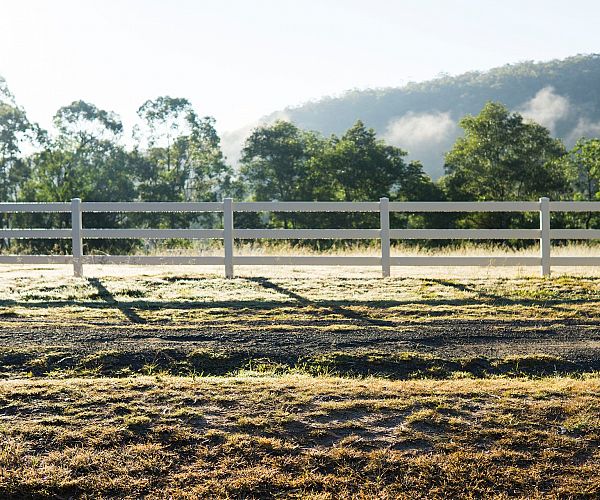
Wood comes in all shapes and sizes, that means your fence can too! From picket fences to lattice fences, the options are endless. Besides the...
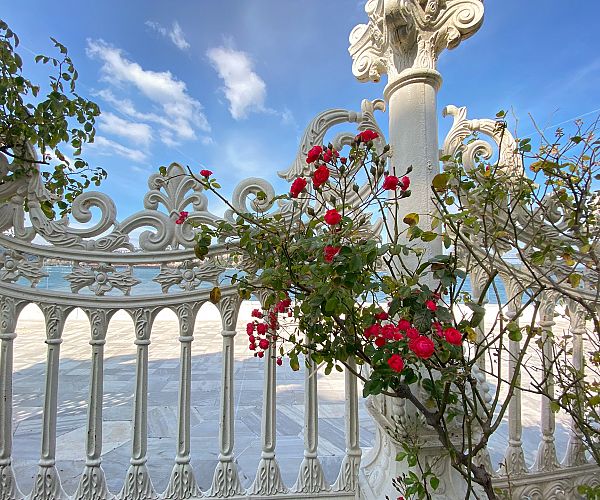
Yes, fences need to be functional, practical and worth your investment. However, another significant factor is how your fence looks in your...
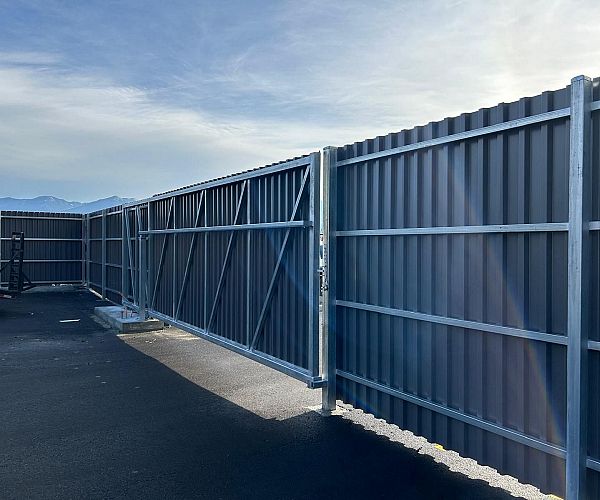
Nothing slows a project like discovering—after fresh asphalt or concrete—that you need a trench across the driveway for gate power or...
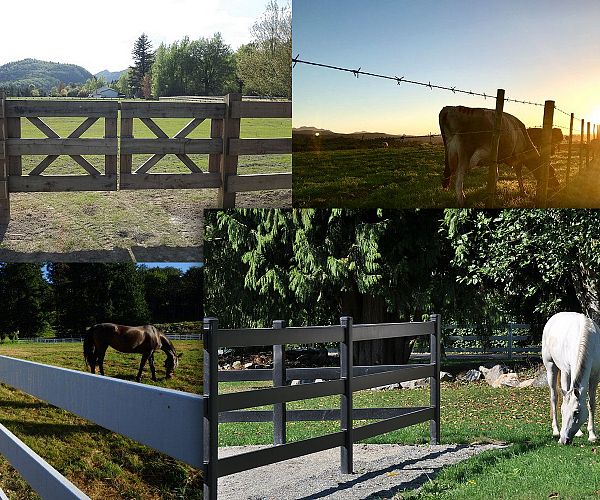
Ensuring you have a properly fenced yard is paramount, particularly when you have animals and agriculture to protect. The last thing you want is...
Download our comprehensive eBook to find exactly what you're looking for.
Affiliations


-(1).png "CFIA")
Accepted Payments